What is a Roblox Font Generator?
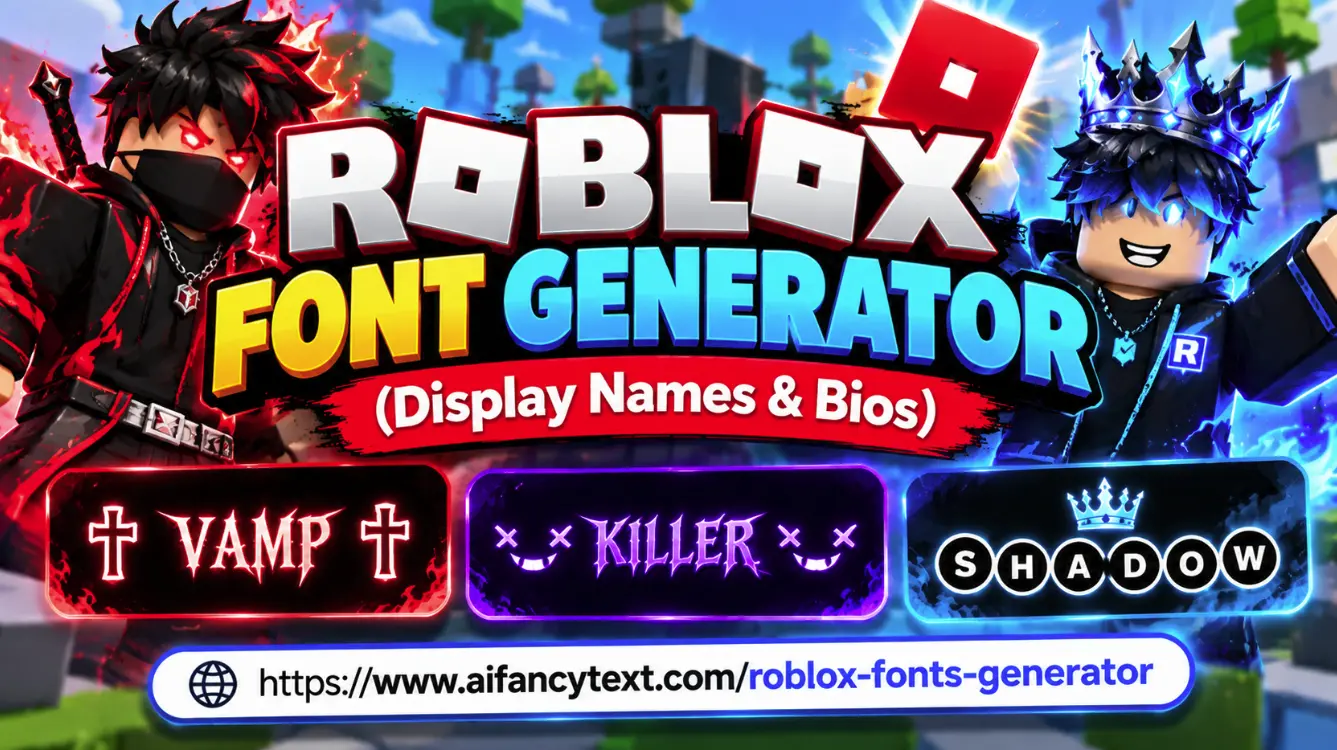
A Roblox Font Generator is a specialized aesthetic text generator tool designed for Roblox players, group owners, and game creators. It allows you to transform plain, default Latin letters into stylish Unicode typography—including aesthetic small caps (`ʀᴏʙʟᴏx`), coquette ribbon bows (`୨୧`), angel wings (`ʚ ɞ`), dark emo gothic crosses (`✞`), and bubble text (`Ⓡⓞⓑⓛⓞⓧ`).
Because our tool outputs genuine Unicode code points instead of restricted font files, your customized display names and bios render natively across Roblox on PC, Mac, iPhone (iOS), Android, and tablet screens without triggering the infamous "####" safechat filter.
Roblox Username vs. Display Name: Key Differences
Understanding how Roblox handles player names ensures you make the most of your aesthetic fonts:
| Feature | Roblox Display Name | Roblox Username (@) |
|---|---|---|
| Cost to Change | 100% Free | 1,000 Robux |
| Change Frequency | Once every 7 days | Anytime (with Robux) |
| Character Limit | 3 to 20 Characters | 3 to 20 Characters |
| Special / Unicode Fonts | Supported (Unicode) | Letters & Numbers only |
| Where It Appears | Above avatar in games, chat, profile | Login, account URL, search |
Trending Roblox Aesthetic Styles & Communities
Roblox features diverse player communities, each with its signature aesthetic text style:
- Coquette & Soft Preppy: Features elegant ribbon bows, floral accents, and spaced small caps (`୨୧ ᴀɴɢᴇʟ ୨୧` or `⋆ ˚。⋆୨୧˚ ᴅʀᴇᴀᴍ ˚୨୧⋆。˚ ⋆`). Popular in Brookhaven RP, Adopt Me!, and Royale High.
- Da Hood & Emo / Dark Aesthetic: Defined by gothic crosses, void markers, and minimalist black ball fonts (`✞ ᴠᴀᴍᴘ ✞`, `×͜× ᴋɪʟʟᴇʀ ×͜×`, or `🅢🅗🅐🅓🅞🅦`). High contrast and intimidating.
- Blox Fruits & Anime PvP: Swordsman badges, lightning sparks, and Japanese anime brackets (`⚔️ ᴋᴀᴛᴀᴋᴜʀɪ ⚔️`, `【 ꜱʜɪɴ 】`, or `⚡ ᴢᴏʀᴏ ⚡`). Favored by bounty hunters in Blox Fruits and King Legacy.
- Bedwars & Competitive Esports: Short 3 to 4 letter tags with sniper crosshairs or crowns (`亗 ᴀᴘᴇx 亗`, `⌖ ꜱᴘᴇᴇᴅ ⌖`).
How to Change Your Roblox Display Name (Step-by-Step)
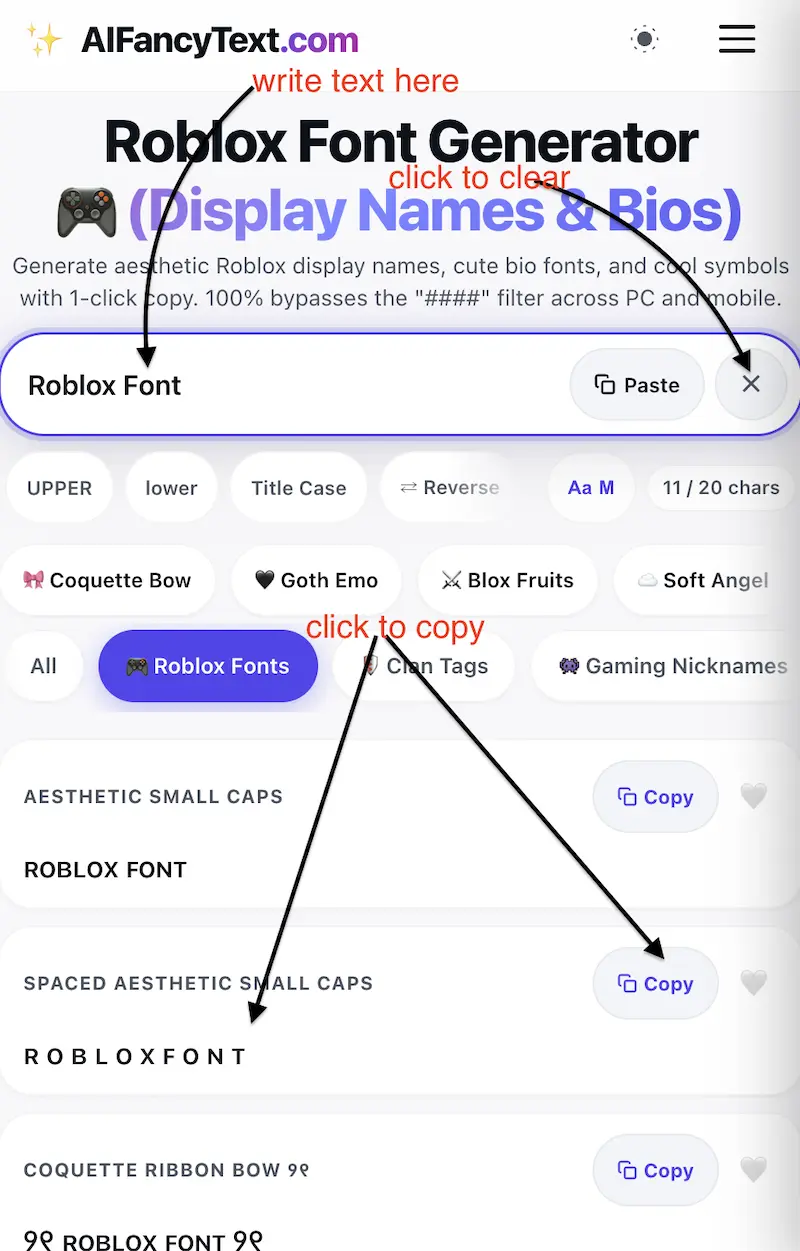
- Generate your style: Type your name into the generator above. Keep an eye on the character counter to stay under the 20-character limit.
- 1-Click Copy: Tap Copy on your favorite card.
- Open Roblox Settings:
- On PC/Mac: Click the Gear icon ⚙️ in the top right corner and select Settings.
- On Mobile (iOS/Android): Tap the three dots icon ⋯ in the bottom right navigation bar, scroll down, and tap Settings > Account Info.
- Update Display Name: Under Account Info, click the pencil edit icon next to Display Name. Paste your aesthetic font and click Save!
Pairing Roblox Fonts with Other Aesthetic Tools
Take your Roblox avatar profile and group branding to the next level:
- Circle & Ball Letters: Discover more enclosed bubble typography on our Bubble Font Generator.
- Group Banners & Bio Dividers: Organize your Roblox group description or bio with line separators from our Aesthetic Text Dividers.
- Clan & Squad Tags: If you run a Roblox competitive guild or Bedwars clan, format team abbreviations on our Clan Tag Generator.
- Name Length Validation: Verify that your handle fits within the 20-character limit using our Gaming Name Byte Checker.